How to Build a Dopamine Menu for Your ADHD Brain
Updated on June 12, 2026
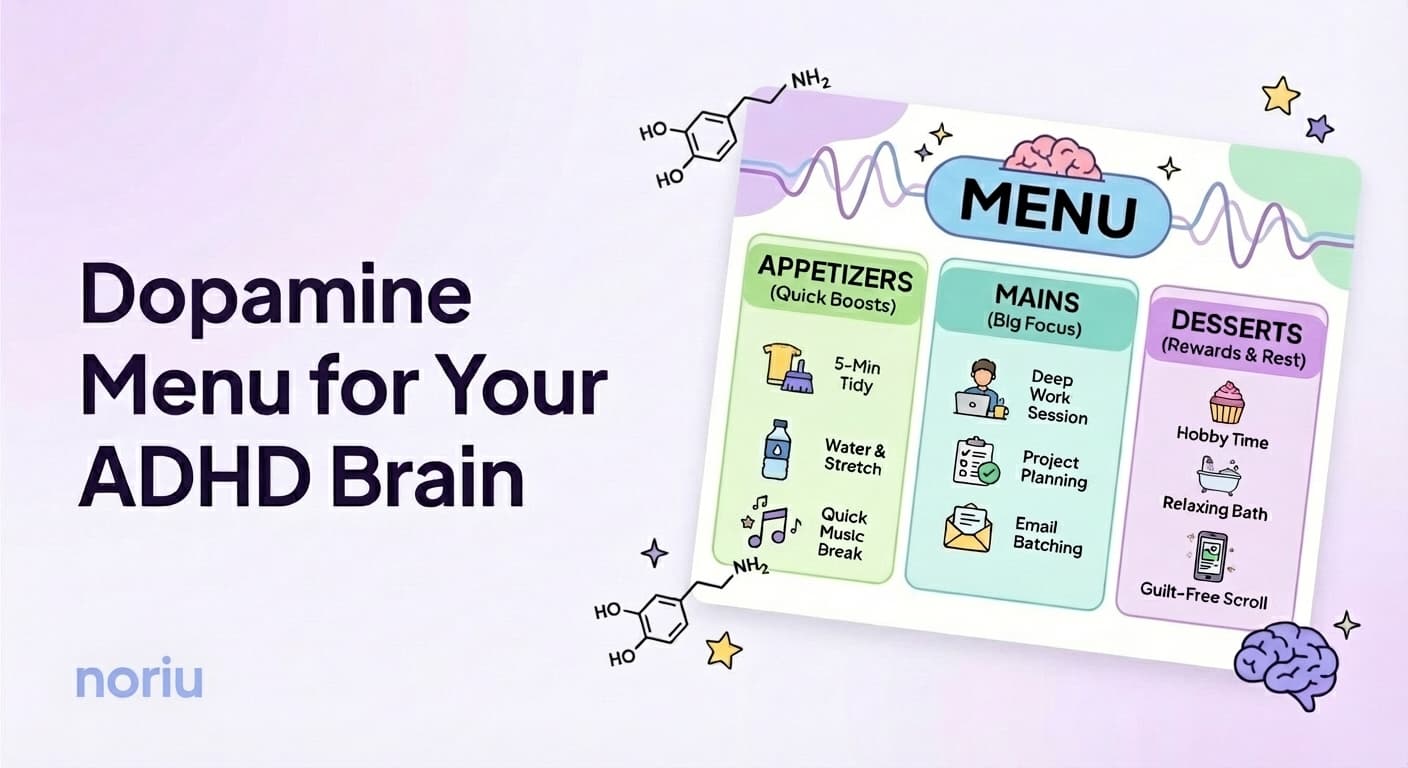
You know that thing where you're staring at your to-do list, and your brain just... won't pick anything?
Not because you're lazy. Not because you don't care. But because every single item feels equally impossible to start.
Yeah. That's not a character flaw. That's your brain looking for dopamine in a list that isn't providing any. And that's exactly what a dopamine menu fixes.
Why Normal To-Do Lists Fail ADHD Brains
Traditional to-do lists carry a hidden assumption: that your brain works the same way all day.
Wake up? Full capacity. After lunch? Still sharp. 4pm slump? Push through it.
But ADHD brains don't work like that. Energy fluctuates. Motivation comes in waves. Some days, "send one email" feels harder than "reorganize entire closet."
And when everything on your list requires more energy than you have?
You pick nothing.
Then you feel bad about picking nothing.
Then the shame makes it even harder to start.
It's a loop. And it's not your fault.
The problem isn't you. It's the system. Let's try a different one.
What's a Dopamine Menu?
A dopamine menu is a way to organize activities by energy cost instead of priority. The concept was originally created by Eric Tivers (ADHD reWired) and featured on How to ADHD with Jessica McCabe - originally as a list of pleasurable activities to recharge your brain when depleted.
This version is adapted for productivity: instead of recharge activities, we organize tasks by energy level - so you can pick what matches your current capacity and actually get things done. Think of it like a restaurant menu, but for tasks.
Instead of sorting by "urgent" or "important" (words that mean nothing to an ADHD brain), you sort by: How much does this actually take from me right now?
Then, when you're ready to do something, you don't have to decide what. You just check in with your energy, pick that section, and choose something that fits.
The magic isn't in the tasks themselves. It's in removing the decision of "what should I do?" and replacing it with "what can I do right now?"
Want to try it? We built a free Dopamine Menu tool to help you create yours in minutes. No signup needed.
What Goes on Your Menu
Most dopamine menus use categories like these:
| Section | Energy Level | Examples |
|---|---|---|
| Appetizers | Low | Reply to one text, refill water bottle, take meds |
| Sides | Medium | 10-minute work task, quick tidy, one phone call |
| Mains | High | Deep focus work, creative tasks, hard conversations |
| Desserts | Reward | The fun stuff that still counts as doing something |
| Drinks | Quick boost | Stretch, take 3 deep breaths, look out the window. Micro resets. |
The names don't matter. Call them whatever works for you. The point is: different options for different energy levels.
Some people skip Drinks entirely. Others use them as micro-resets between tasks. Use what helps.
Why This Actually Works
ADHD brains run on interest, urgency, novelty, and challenge - not importance.
So when a task is important but boring? Your brain goes: "No thanks."
A dopamine menu works because:
- It meets you where you are. Low energy? Low-energy task. No forcing.
- It removes decision paralysis. Fewer choices within each section = easier to pick.
- Any choice is valid. Appetizers count. Desserts count. Movement is movement.
- There's no shame built in. No "overdue" labels. No red warnings. Just options.
The goal isn't to always do the hardest thing. It's to do something that matches your actual capacity right now.
How to Make a Dopamine Menu
Here's how to create one. Takes about 10 minutes.
The 4 Steps
Brain dump everything
Write down every task, project, and random thing floating in your head. Don't organize. Just dump.
Sort by energy, not priority
For each item, ask: 'How much does this actually take from me?' Be honest. Some 'small' tasks are secretly exhausting.
Group into sections
Put low-energy tasks in Appetizers, medium in Sides, high in Mains. Add some Desserts (the fun productive stuff) and Drinks for quick resets.
Keep it visible
Sticky note, phone note, whiteboard... whatever you'll actually look at. Hidden menus don't help.
That's it. You have a menu.
Now when you're stuck, you don't have to think "what should I do?" You just check your energy and pick from that section.
Using Your Menu Day-to-Day
The menu is only useful if you actually use it. Here's how:
High energy? Go for a Main. This is when deep work is possible. Don't waste it on emails.
Medium energy? Sides are your friend. Knock out a few and feel the momentum build.
Low energy? Appetizers. Five-minute tasks. Tiny wins. They still count.
Need a win? Start with Dessert. Seriously. Sometimes you need to feel good before you can do more.
Need a quick reset? Drinks. A 1-minute stretch or deep breath can shift your whole state.
Can't pick anything? Use the 2-item rule. Pick two options, flip a coin. Your gut reaction to the result tells you what you actually want.
If everything feels like a Main, break it down smaller. "Clean kitchen" becomes "put away 5 dishes." Now it's an Appetizer.
FAQ
Common Questions
Your First Menu Item
You don't have to build the perfect menu today.
Quick Win
Write down 3 things on your mind right now. Which one takes the least energy? That's your first Appetizer. Do it. You just started your menu.
Appetizers count as eating. Start wherever your energy actually is.
This article is for information and encouragement, not medical advice. For diagnosis or treatment questions, talk to a healthcare professional.
By the Noriu team
Written by the Noriu team - with Nori, our focus companion, keeping us company.